A notice when a field hits a certain value
When someone sets a field to a given value the notice appears in the page itself, in that moment and not as an email afterwards.
Why AutoFlow belongs in every Business Central project, and what that changes about your delivery times, your maintenance load and your quotes.
The big requirements are in the spec and have been costed. What weighs projects down is the rest: the field that should be checked on release. The notification to the office above a certain order value. The filename accounting wants done differently.
Each one is too small to quote for properly and too concrete to turn down. So a PTE appears. At the next update it comes back to you, not to the customer.
A requirement that costs a day to develop cannot be quoted as a day rate. No customer expects a four-figure line item for “check a field”. So it gets absorbed, out of goodwill or habit. Across a project that adds up to days nobody planned for.
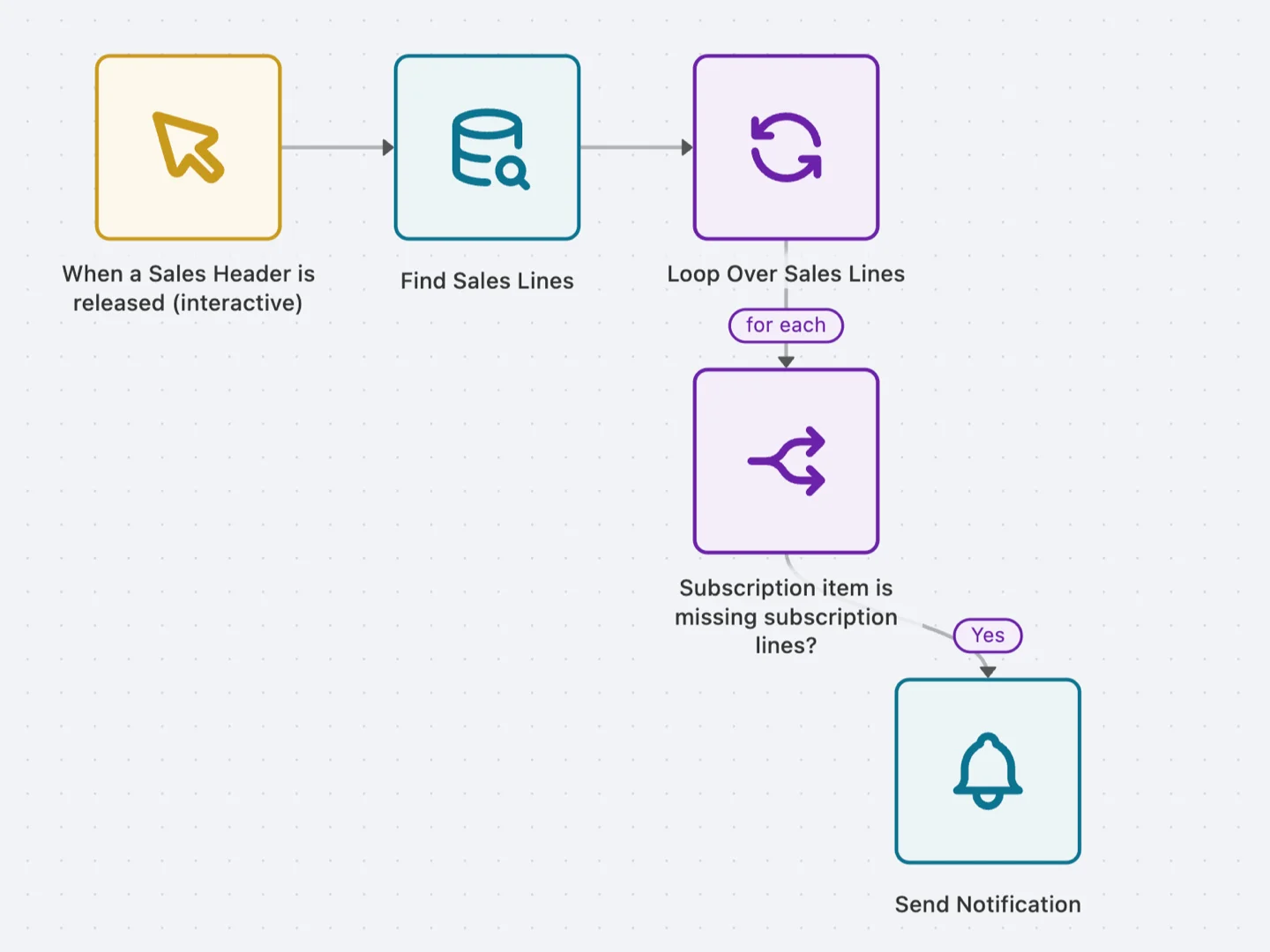
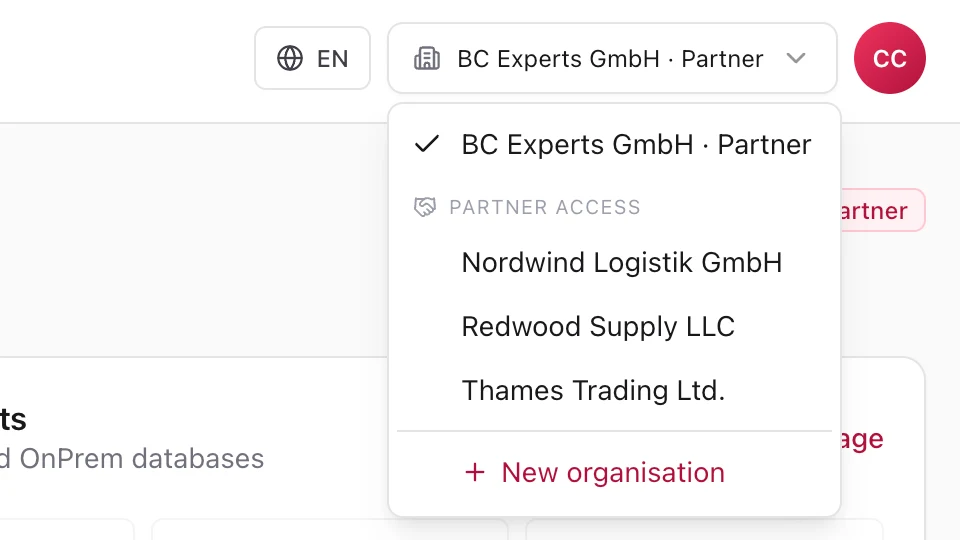
Every extension in a customer's tenant is an object that wants attention at each release. It is rarely documented, often built by someone no longer on the project, and it surfaces exactly when an update is due and nobody has time. A flow sits in the customer organisation as configuration instead, and you reach every one of them from your partner access.
The small stuff does not arrive at the start; it arrives shortly before go-live, when the business finally uses the system for real. That is exactly when a development loop costs the most: it moves a date everybody already has in their calendar.
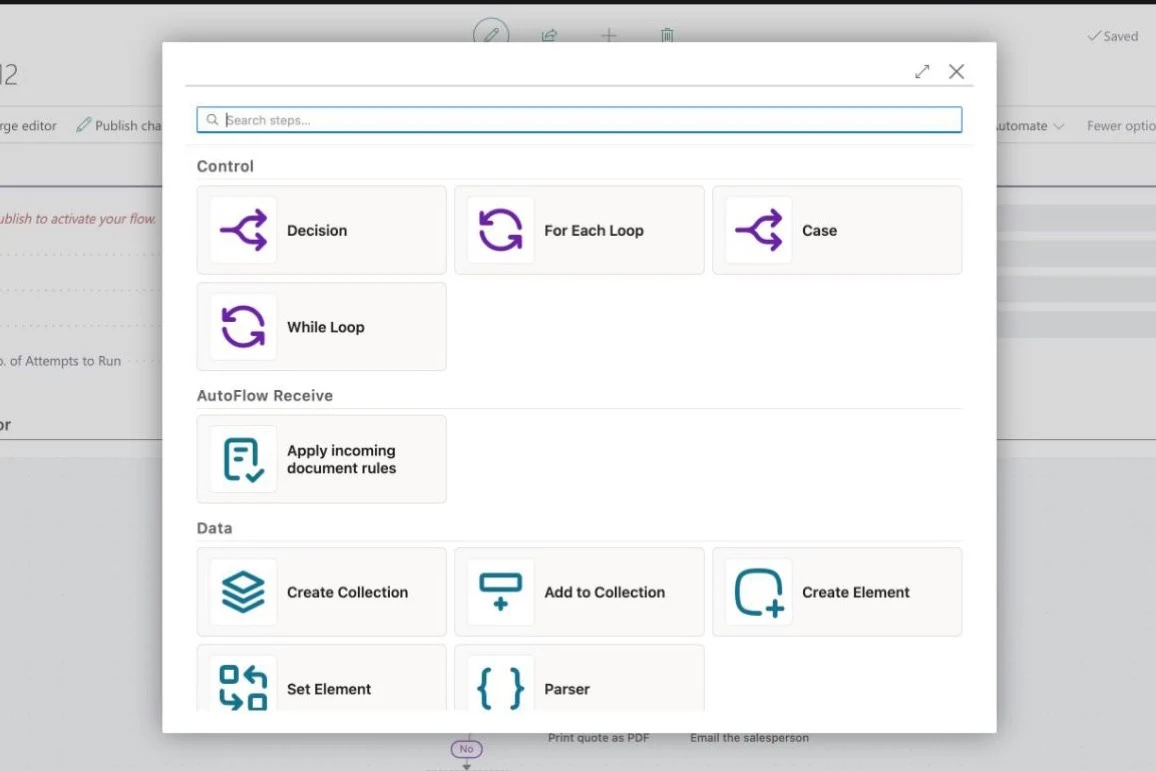
The suggestion is not to sell AutoFlow the moment a customer asks. It is to set it up in every project, as routinely as email setup or number series.
Getting started costs the customer nothing: two active flows stay free forever and the sandbox has no limits. What you bring is the setup, and knowing when a flow is the right answer.
None of these takes more than an afternoon. Three are ready-made in the template gallery.
When someone sets a field to a given value the notice appears in the page itself, in that moment and not as an email afterwards.
The document is checked before release and stopped with a message a human can act on. The classic: no release with a line that has no quantity.
The same idea one stage later: no posting while “Your Reference” is empty. Ready-made in the gallery.
Sounds trivial, but it replaces the “let me know when …” arrangement that nobody keeps up for long.
Invoice.pdf becomes the document number with customer and date. Two steps, and accounting stops asking.
A scheduled flow summarises once a day what did not complete. The flow that calls you before the customer does.
If the customer buys AutoFlow through you, you buy on partner terms and keep the margin. If they buy from us directly because you brought AutoFlow into the project, you register a commission on it. Joining the programme costs nothing.
Resellers appear as an option at checkout. Partners go into the public partner list, and certified consultants are passed on as recommended automation experts. Out of a project worth telling, we write a case study together.
Partner training and certification are free for your team, new colleagues included.
One person on our side who knows your projects. No ticket form.
Every partner level comes with a fixed support contingent for the cases that go deeper.
Receive, Dispatch and Praxedo Connect came about this way. If you have your own app or an industry solution, we make its functions available in AutoFlow as triggers and as steps. Your customers then build them into their own processes, and you build no second interface for it. That is its own conversation, with roadmap alignment and technical support.
We look at which customers you serve and where the small stuff piles up for you.
Terms go in writing. No minimum revenue, no purchase commitment.
Your team goes through the partner training, working on one of your own customer cases instead of on slides. Certification comes at the end.
We sit in on the first flow at a customer. After that you run solo.
Joining the programme is free, and so are training and certification. Margins, commission rates and support contingents we go through in conversation, as they depend on the path and the partner level.
No, and that is not the point. The point is having the option: with AutoFlow set up, you can answer the next small request with a flow instead of deferring it. Two active flows are free forever. Getting started costs the customer nothing.
You still build those as an extension. AutoFlow does not replace AL development. It takes away the cases development is too heavy for.
You do. We only appear when you bring us in.
Anyone who knows Business Central builds their first useful flow the same day. The time does not go into the editor, it goes into the question before it: which process is worth automating, and what has to be right in the master data first.
Yes, that is how Receive, Dispatch and Praxedo Connect came about. Your functions become triggers and steps that your customers use in their flows. That is its own conversation, with roadmap alignment and technical support.
Joining costs nothing, and neither do training and certification. If you sell the licences yourself, you buy on partner terms and keep the margin. If the customer buys from us directly because you brought AutoFlow into the project, you register a commission, which is smaller than the margin. We go through the rates in conversation, as they depend on the partner level.
One conversation is usually enough to see which path fits. No sales process, no pitch.