
Faster billing
Assignments are prepared as billable documents in the ERP immediately after completion, instead of sitting on a desk as paper for days.
The Praxedo interface for IT resellers and system houses: service processes connected to the DYCE industry solution — or to its on-premises predecessor SITE.

When the field service tool and the ERP run in isolation, work falls through the gap between them. Service reports get re-typed, material bookings go wrong, and the invoice is written days after the job rather than straight after it.
Handwritten notes and incomplete reports lead to queries from the customer, and without real-time reconciliation nobody reliably knows which material was actually used.
Assignments from Praxedo are created fully automatically in SITE or DYCE as billable documents or service orders. Customer and item master data are reconciled along the way: maintain once, use everywhere without errors.
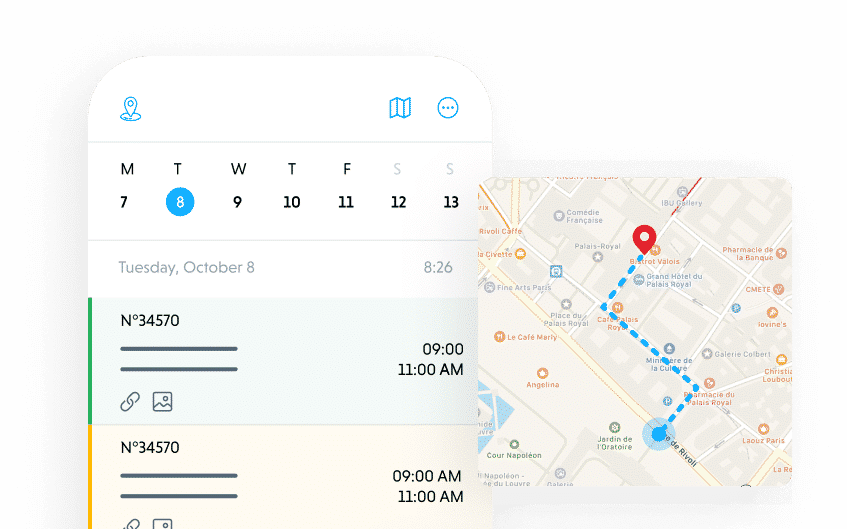
Working hours, travel time and the material technicians used flow straight into post-calculation in the ERP. What a job cost is on record afterwards, not at the end of the month.

The job ends with the technician rather than in the back office: the moment the on-site status is set to done, the data is in the ERP — as a billable document, with times and materials.
Assignments are prepared as billable documents in the ERP immediately after completion, instead of sitting on a desk as paper for days.
The integration only needs the low-cost Business Central Essential licence, because it sits on top of DYCE. DYCE brings its own service module, cut for the IT industry.
Customer and item master data are reconciled — no duplicates, nothing out of date.
No more re-typing of work reports and times.
Technicians have the relevant ERP data on their mobile device, on site.
The integration is built on AutoFlow. That is why it stays update-safe, and why the data flow is traceable rather than opaque.
Beyond the flows, this connector brings its own surfaces into Business Central — pages, controls, tables of its own. Everything a flow alone cannot express.
No. The integration sits on top of DYCE, and DYCE brings its own service module cut for the IT industry. The Essential licence is enough.
Yes. The on-premises predecessor SITE is supported, and if you move to the cloud later the integration moves with you to DYCE. The investment is not tied to the previous generation.
That the data flow is visible as a process rather than buried in compiled code. It keeps the app update-safe and makes what happens between Praxedo and the ERP traceable — for you, not only for us.
As soon as the technician sets the on-site status to done. The data is captured at that moment, and the handover to billing follows straight on.
Praxedo2DYCE creates jobs as billable documents in SITE or DYCE, with times and materials. Tell us what happens today between the technician's report and the invoice.