










- Connect
- B2B shop
- IT system house
- Partner integration
Connect ChannelStack to Business Central
Your customers order hardware, services and rental devices in the ChannelStack shop. Billing happens in Business Central. AutoFlow takes the order there without anybody typing it in again.
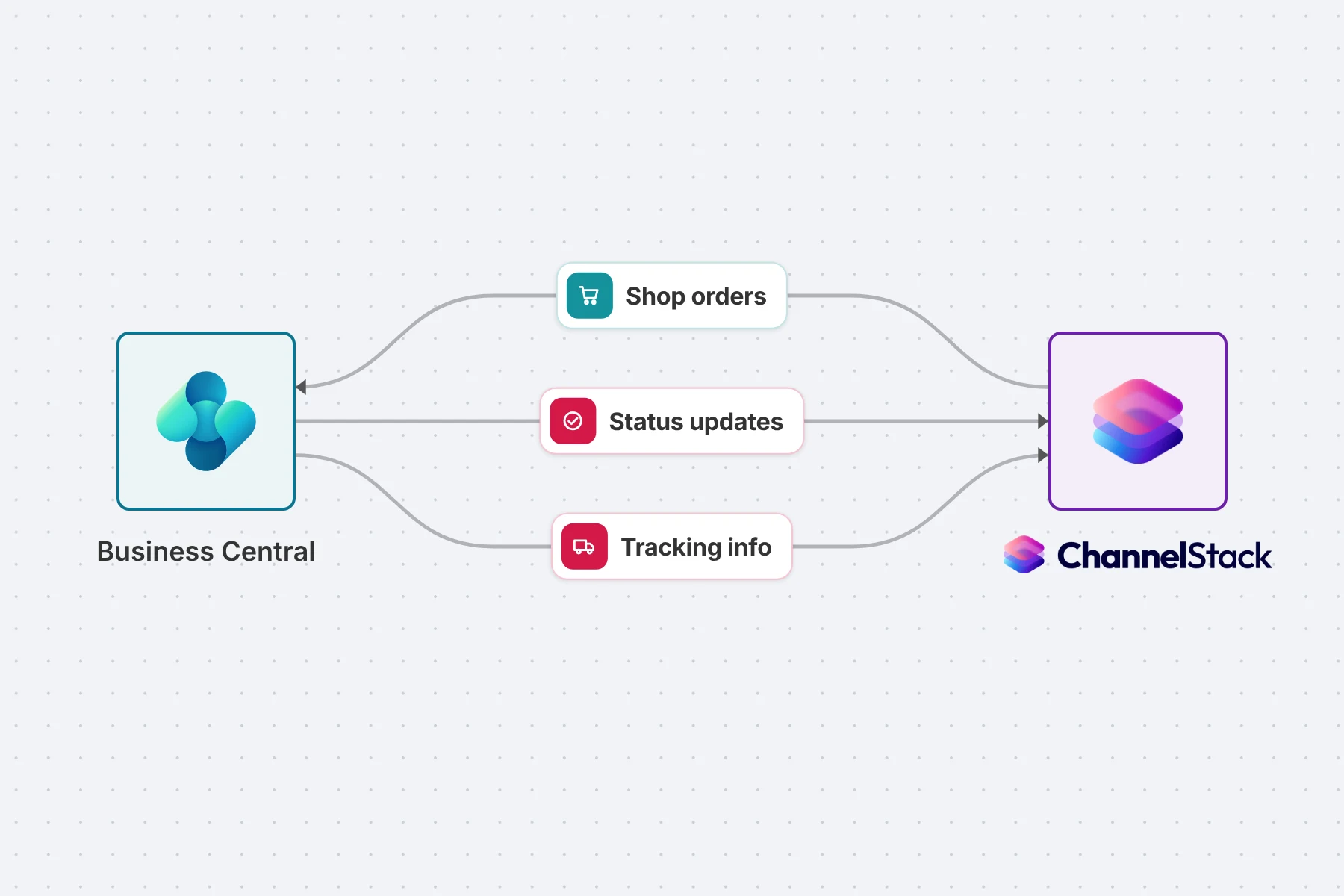
What AutoFlow does with ChannelStack
ChannelStack is the commerce and lifecycle platform for IT system houses: a B2B shop with prices and ranges per customer, connected distributors, and asset management where every ordered device ends up. Customers order there themselves instead of by email.
But the order does not end in the shop. It has to reach Business Central as a sales order to be shipped, posted and invoiced. AutoFlow turns that step into a process: the order comes from ChannelStack, the sales order is created for the right customer, and nobody copies lines across by hand.

AutoFlow and ChannelStack, already connected
Agreed with the connector partner and built: we set the integration up with you, rather than you putting it together yourself.
Agreed with ChannelStack
ChannelStack is an AutoFlow connector partner. The integration uses the official interface, not a workaround.
Finished, not self-built
The processes are built. We set them up with you; you bring the credentials and the mappings.
Visible and extensible
Every step sits in AutoFlow as a process. You see what happens, and add to it without code.
Upgrade-safe
None of it sits in the Business Central core. An update leaves the integration untouched.
What AutoFlow and ChannelStack exchange
The order from the shop is at the center. Whatever else ChannelStack's API offers fits in the same way.
Out of Business Central
- Hand customers from Business Central to ChannelStack, so they can order in the shop
- Make items from Business Central available to the shop
- Report the Business Central order number back onto the shop order
- Send status updates and tracking info back to the shop order, so your customer sees where the delivery is
Into Business Central
- A scheduled process collects new orders from ChannelStack
- Create a sales order for the matching customer from each order, with every line
- Report orders that match no customer or item, rather than skipping them silently
What has to exist on your side
- ChannelStack with API access ChannelStack provides the access for your system house. We set up the connection with you.
- A mapping for customers and items Which shop customer is which customer in Business Central, and which shop product is which item. Deciding that rule is the actual work.
What ChannelStack says
ChannelStack is an AutoFlow connector partner.
“AutoFlow won us over straight away with its simplicity. Our partners now benefit from having no more breaks between systems, and from us no longer being an isolated solution.”
Questions we get asked
ChannelStack already connects to the distributors. Why AutoFlow as well?
Because the distributor connection feeds the shop with products, not Business Central with sales orders. AutoFlow closes the gap between the order in the shop and the document you ship and invoice from.
Do I have to build the integration myself?
No. The processes for ChannelStack are built, and we set them up with you. Because they sit in AutoFlow, you can extend them yourself afterward, with a credit check before the sales order is created for instance.
What happens at a Business Central update?
Nothing. The logic does not sit in the BC core as an object extension; it sits beside it as configuration. There is nothing to recompile at update time.
From the shop to the sales order, without retyping
We set the connection up with you: your ChannelStack orders arrive as sales orders in Business Central, for the right customer and with every line.
- Shop orders as sales orders, automatically
- Customers and items from Business Central in the shop
- No programming, upgrade-safe