
Upload a file to SharePoint
Uploads a file to a SharePoint site and returns its URL. You supply the site, the document and the target folder; the subflow does the rest.
View templateThe documents already live in SharePoint — somebody just puts them there by hand today. AutoFlow takes over the path from the posted document into the right folder.
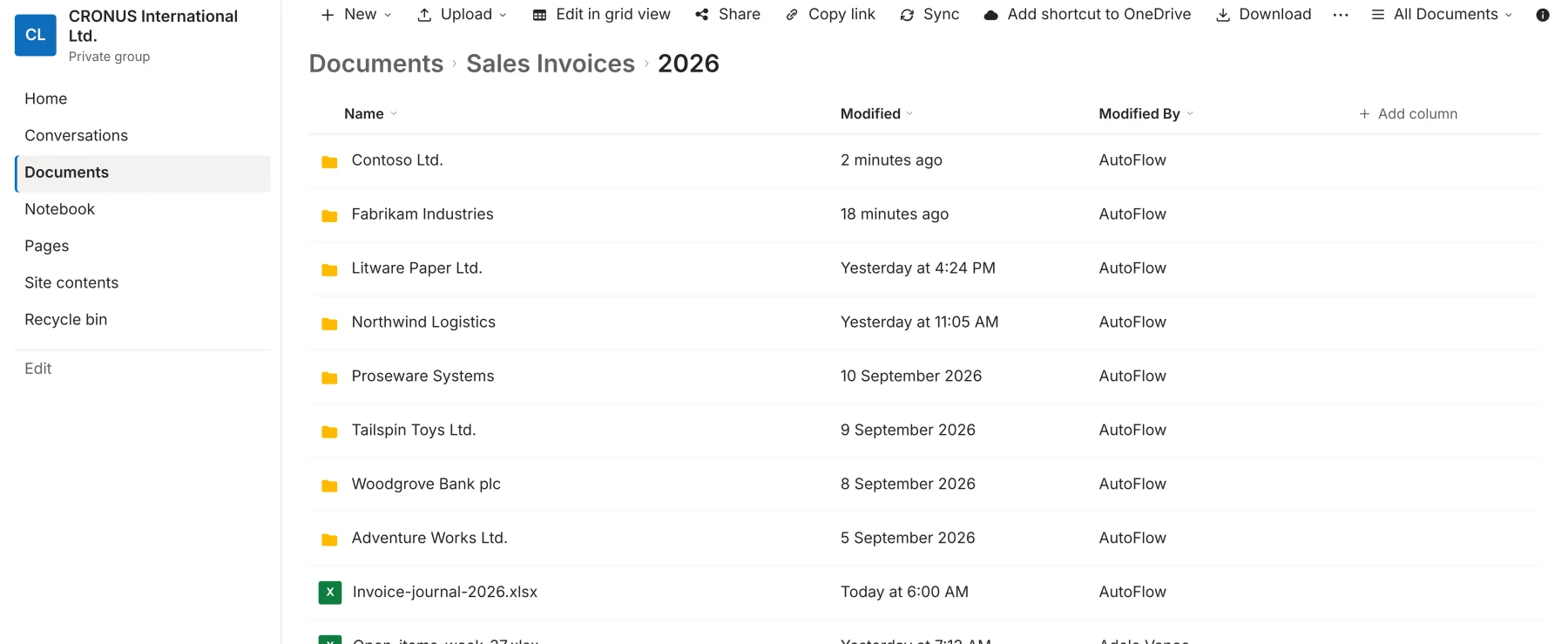
SharePoint is already in place in most companies — as an archive, as customer folders, as the drive everybody uses. What is missing is the path into it: documents are created in Business Central and end up in SharePoint because somebody exports, renames and uploads them.
AutoFlow turns that path into a process. The document is posted, the PDF is rendered, the file lands in the right folder, and the link to it sits on the document. You build it in the editor, not in code.
The SharePoint interface in Microsoft Graph is a large one: anything you can do there, you can build in AutoFlow. The most common cases are here.
Ready-made subflow templates are waiting in the gallery: take one, enter your credentials, and the subflow is there as a step in your own processes. You can start with it today.
The subflow is ready in the gallery. You take it, enter your library, and the connection stands.
Uploads a file to a SharePoint site and returns its URL. You supply the site, the document and the target folder; the subflow does the rest.
View template
When a sales invoice is posted, AutoFlow renders the PDF, files it in the right SharePoint folder and writes the link back onto the document.
Read the use caseNo. The connection runs on HTTP calls inside a subflow, and the subflow already exists. You wire it in once and call it from any process that needs to file something.
It gets created. A process that fails on a missing path is useless in the first month after go-live — and just as useless afterwards.
Yes. The process is the same; only the call at the end points somewhere else. Azure Blob Storage, another DMS or a network share with an API all work to the same pattern.
Nothing. The logic does not sit in the BC core as an object extension; it sits beside it as configuration. There is nothing to recompile at update time.
You can build and test in the sandbox as long as you like, without limits. And two active flows stay free forever in your production tenant — not a trial that runs out.