










A step of its own in the editor
Choose the folder, read or write the file. No script on a server for someone to maintain, and no HTTP call for someone to assemble.
Machines, scales and legacy systems drop their files on the network drive, and Business Central Online cannot get there. AutoFlow collects them and puts the answers back in the folder.
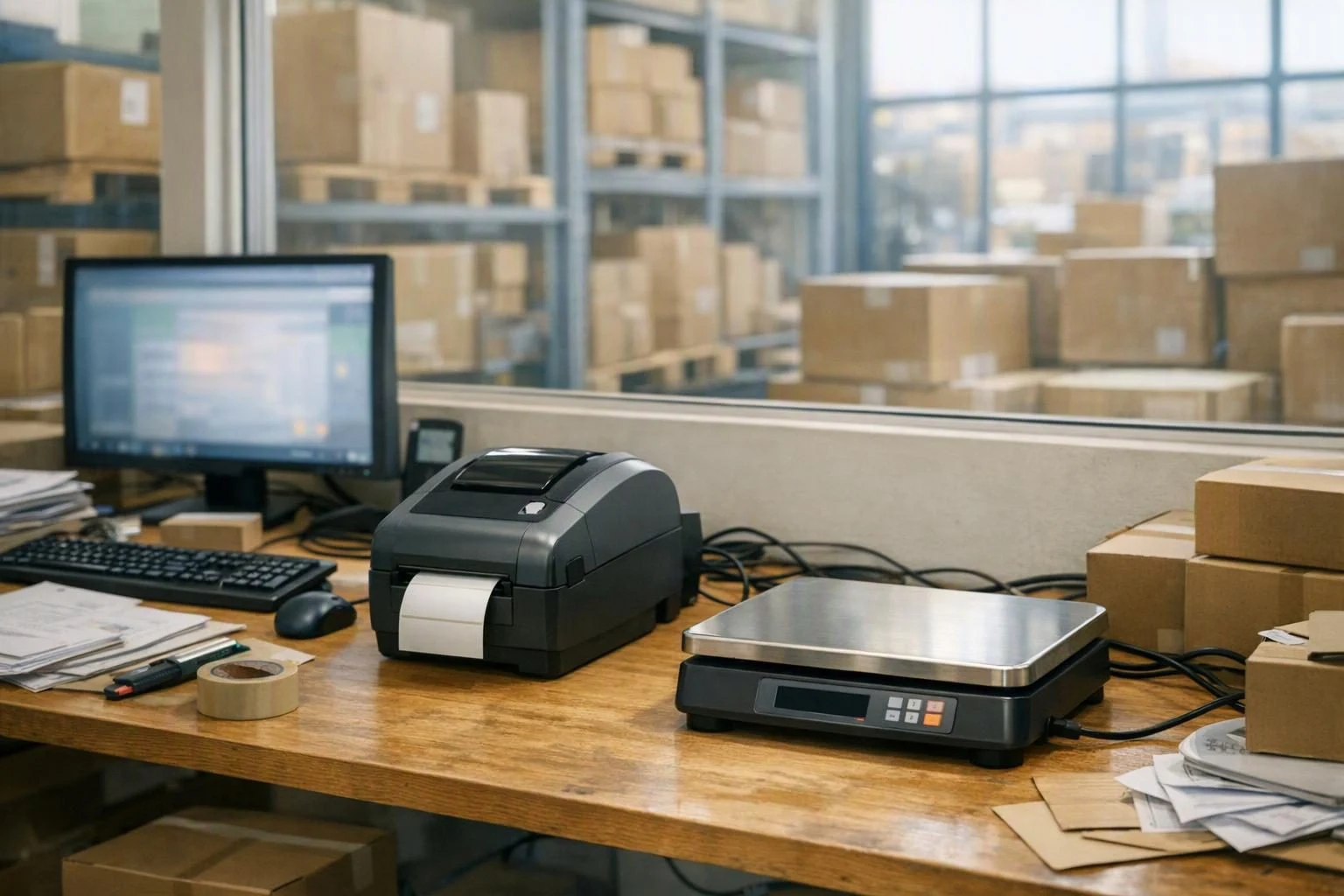
Many interfaces on the shop floor are a folder. The scale writes its weighings into it, the machine its feedback, the supplier its price list. And in the other direction, the shipping software expects its orders as a file in a fixed place.
With Business Central in your own building, that was a path. With Business Central Online the path is gone, and the interface turns into someone downloading, uploading and shuffling files around.
Fetch the file from the network drive, upload it to Business Central, download the result and drop it into the next folder. Every step is small. Together they are a job someone has to do every day, and one that waits when that person is away.

Files arrive even when nobody collects them. They pile up in the inbox folder, and whatever is in them is missing from Business Central: a weighing, a feedback message, a new price. It only shows when someone counts on the missing data.

When you moved to the cloud, a lot was rebuilt. The file interface to the scale or the shipping software was rarely on the list, because it was so simple. Now it is the point where the process gets handed on by hand every day.

Penduline's OneConnector runs inside your network and reaches the folders your systems already use. In AutoFlow it is a step of its own: fetch files from a folder, write a file into a folder.
A scheduled process looks into the inbox folder, reads every new file, turns it into records in Business Central and moves the file to the archive. In the other direction, the file for the shipping software is written when the order is released, exactly where that software expects it.
As before: the scale, the machine or the supplier drops it there.
On a fixed schedule, through the OneConnector step, without anyone remembering.
Weighings, feedback, prices: created or updated in Business Central.
So the inbox only holds what is still to do.
Choose the folder, read or write the file. No script on a server for someone to maintain, and no HTTP call for someone to assemble.
Files from the network drive into Business Central, and exports from Business Central onto the network drive. With the same step.
Every file moves to the archive once processed. Whatever is in the inbox is new.
If a file cannot be read, it goes to a folder of its own, and someone gets a message.
Every quarter hour, every hour or once in the evening. The pace follows the process, not the lunch break.
The inbox folder is empty when you look into it, and the archive beside it grows. The data is in Business Central without anyone having to remember.
Text formats such as CSV, XML or fixed-width columns, which is what scales, machines and legacy systems usually write. How the file is laid out, you define once in the process.
They move to an archive folder. No file is processed twice, and you can always look up what arrived.
Yes. A process writes a file into a local folder, a shipping order on release for instance, or an export for a legacy system every night.
No. The process is built graphically, and the OneConnector step is picked, not programmed. Once, you need someone from IT to set up OneConnector in the network and share the folders.
Nothing. The logic does not sit in the BC core as an object extension; it sits beside it as configuration. There is nothing to recompile at update time.
Discover our AutoFlow experts. They set the process up with you in a workshop.
You can build and test in the sandbox as long as you like, without limits. And two active flows stay free forever in your production tenant — not a trial that runs out.
Business Central Online reads and writes data in your on-premises SQL database — through OneConnector and a step of its own in AutoFlow, without a migration.
Read the use case
When a sales invoice is posted, AutoFlow renders the PDF, files it in the right SharePoint folder and writes the link back onto the document.
Read the use case