
Scalable growth
New markets and more customers without added headcount — the integration is built for growing order volumes and extends to new customers and product ranges.
Without integration you get duplicate maintenance, broken handoffs and error correction. The team spends its energy on data entry instead of on customers.

Order data from the shop is transferred into Business Central by hand. Transposed digits and missing lines cause queries and delays, price and stock information drifts apart between shop and ERP, and status updates reach the customer too late.
The unpleasant part is the direction of it: every go-live and every campaign raises the manual effort disproportionately. Growth becomes a burden instead of carrying itself.
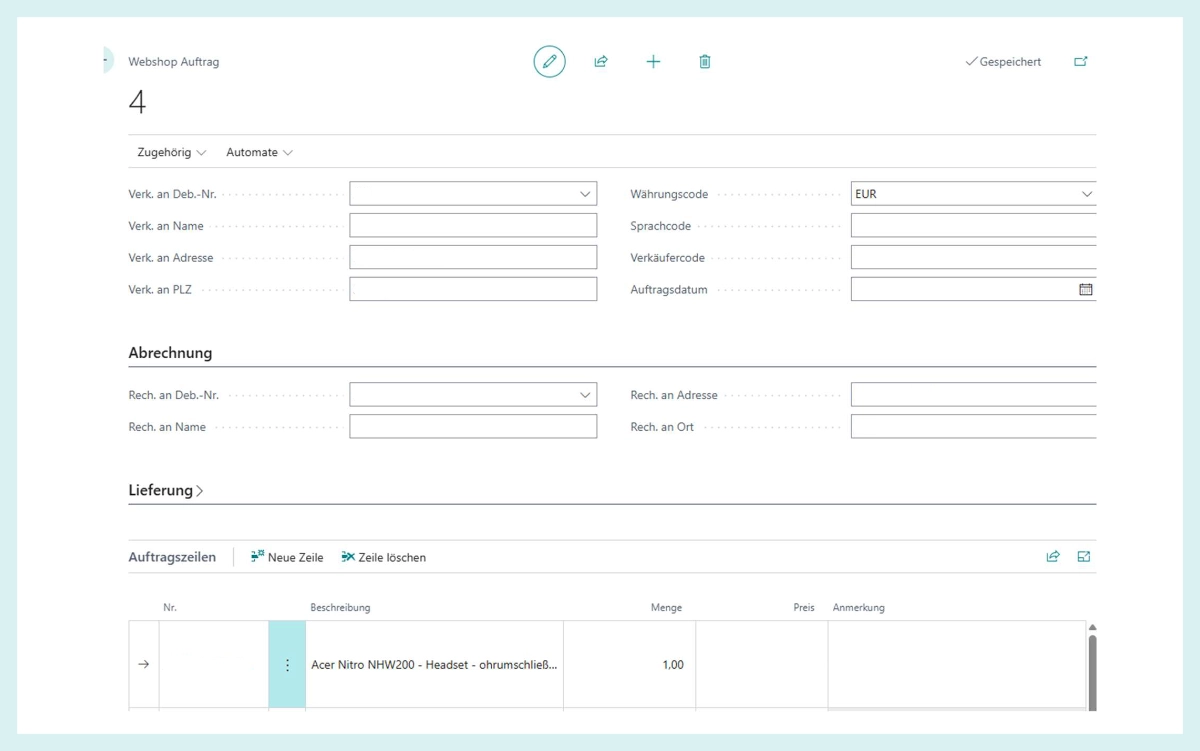
Online orders are handed to Business Central complete and structured — items, quantities, addresses and references included. Not as a file somebody reworks afterwards, but as a document.
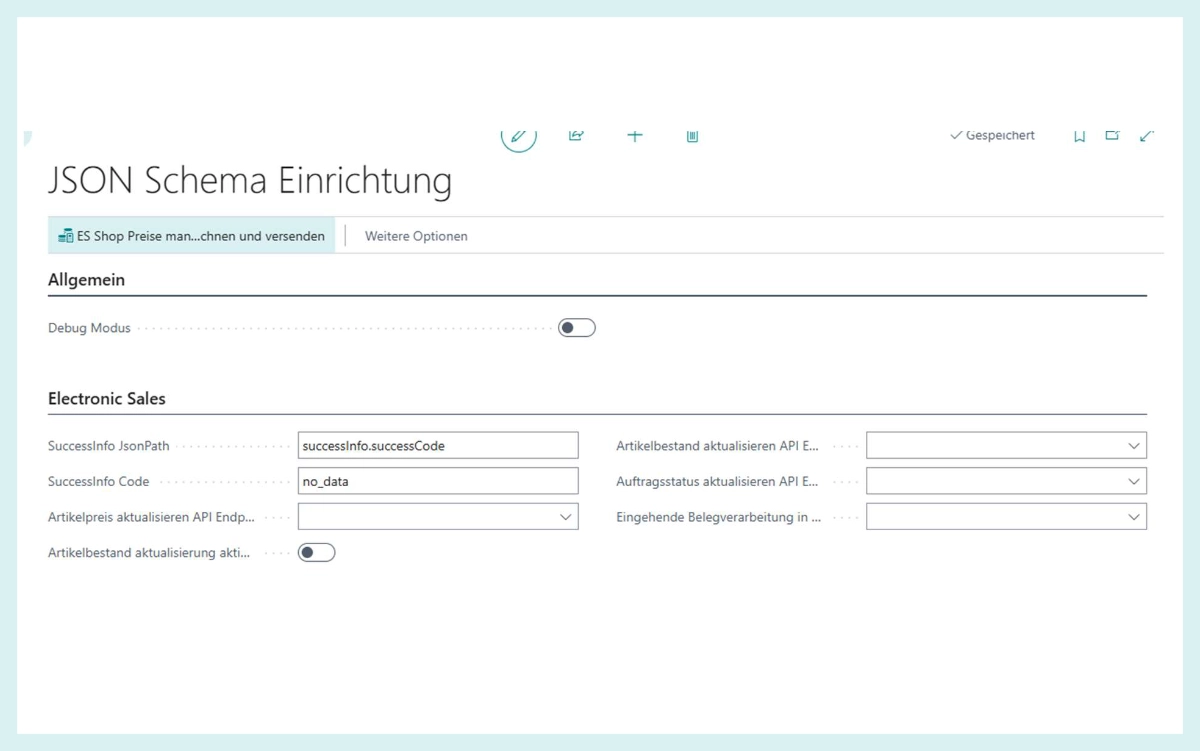
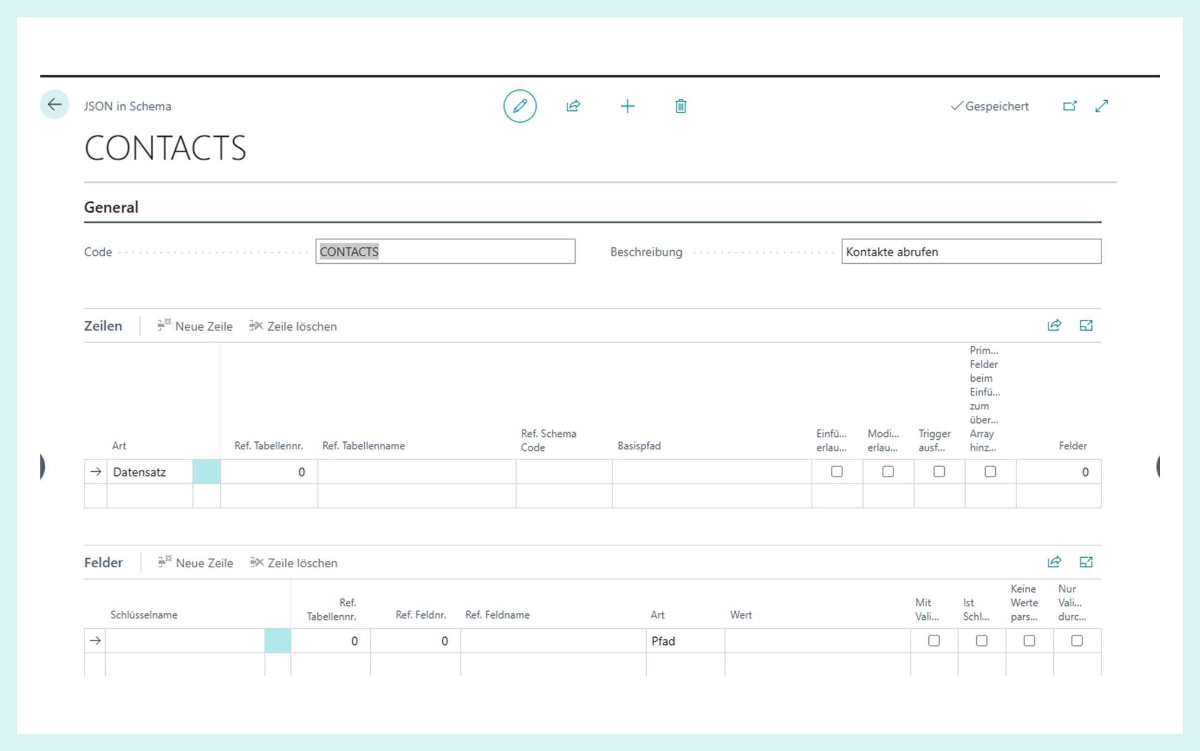
Which field in the shop maps to which field in Business Central sits in the system as a schema — readable, changeable, without raising a development ticket. That is the difference between an integration you can adjust and one where you have to phone somebody.
Technical and business logs back up support and quality assurance. Deviations are spotted and fixed faster — and clean interface processes support the data protection and compliance requirements that apply to B2B transactions anyway.
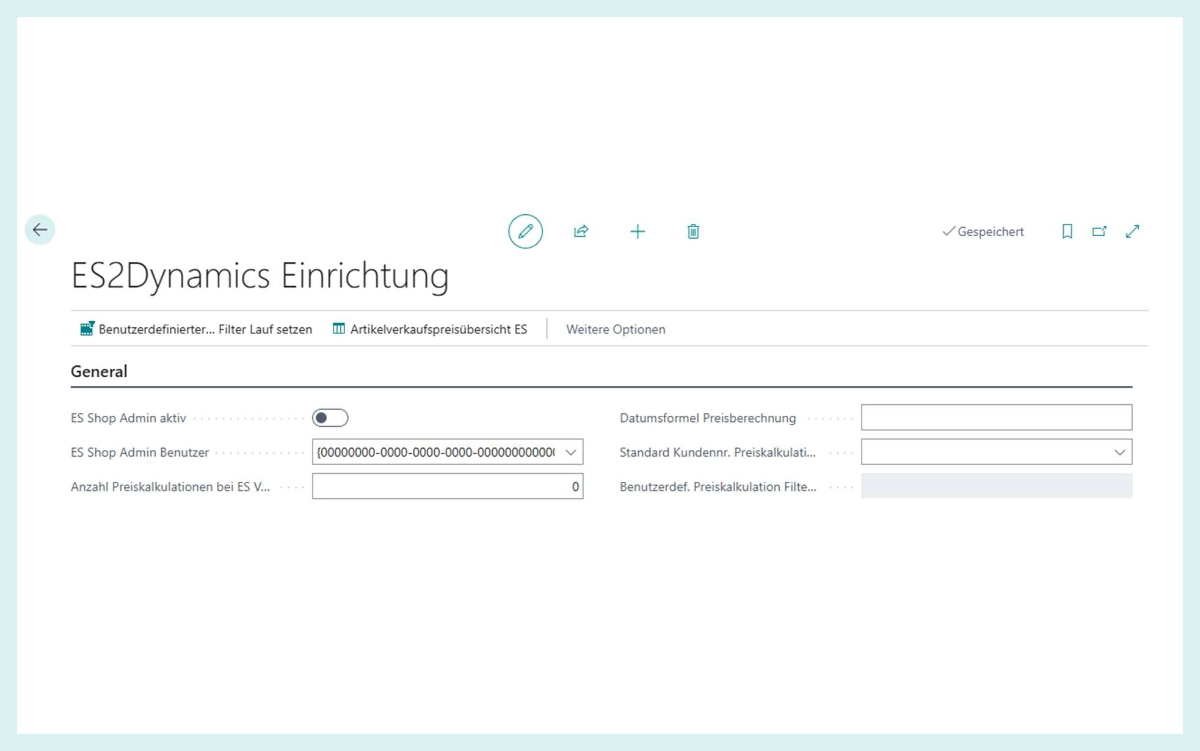
Setup lives on its own page in Business Central: price calculation, default customer number, filter runs. What you settle once applies to every order that arrives afterwards.
From the individual employee to the whole sales process: stock levels, prices and order data are reconciled directly between the webshop and Business Central instead of being maintained twice.
New markets and more customers without added headcount — the integration is built for growing order volumes and extends to new customers and product ranges.
Automation lowers the cost per transaction and takes with it the manual errors that cause queries today.
Stock, prices and order data run directly between shop and Business Central.
Fewer manual queries, more strategic account work instead of re-entry.
You make adjustments yourselves; operating it takes no technical knowledge.
Both directions, because a shop connection that only fetches orders solves half the problem.
Because 90 percent of the requirements in B2B shops are the same, and the rest is configuration. A proven connection saves you the long custom project and the workarounds that follow it.
Yes. The integration is designed for growing order volumes and extends to new customers and product ranges without anybody counting along.
It is in the log, technically and in business terms. An order that disappears quietly is the only thing that makes a shop integration genuinely expensive.
In AppSource it is called Markets2Dynamics. In practice it connects ElectronicSales, and that is the name it is searched for and sold under.
Shop orders as complete documents, items and stock back into the shop. On AppSource the listing is called Markets2Dynamics.