









Approval
Approve or reject, and the flow follows the matching path. The card shows every approver and what they have decided so far. Included in every paid AutoFlow license.
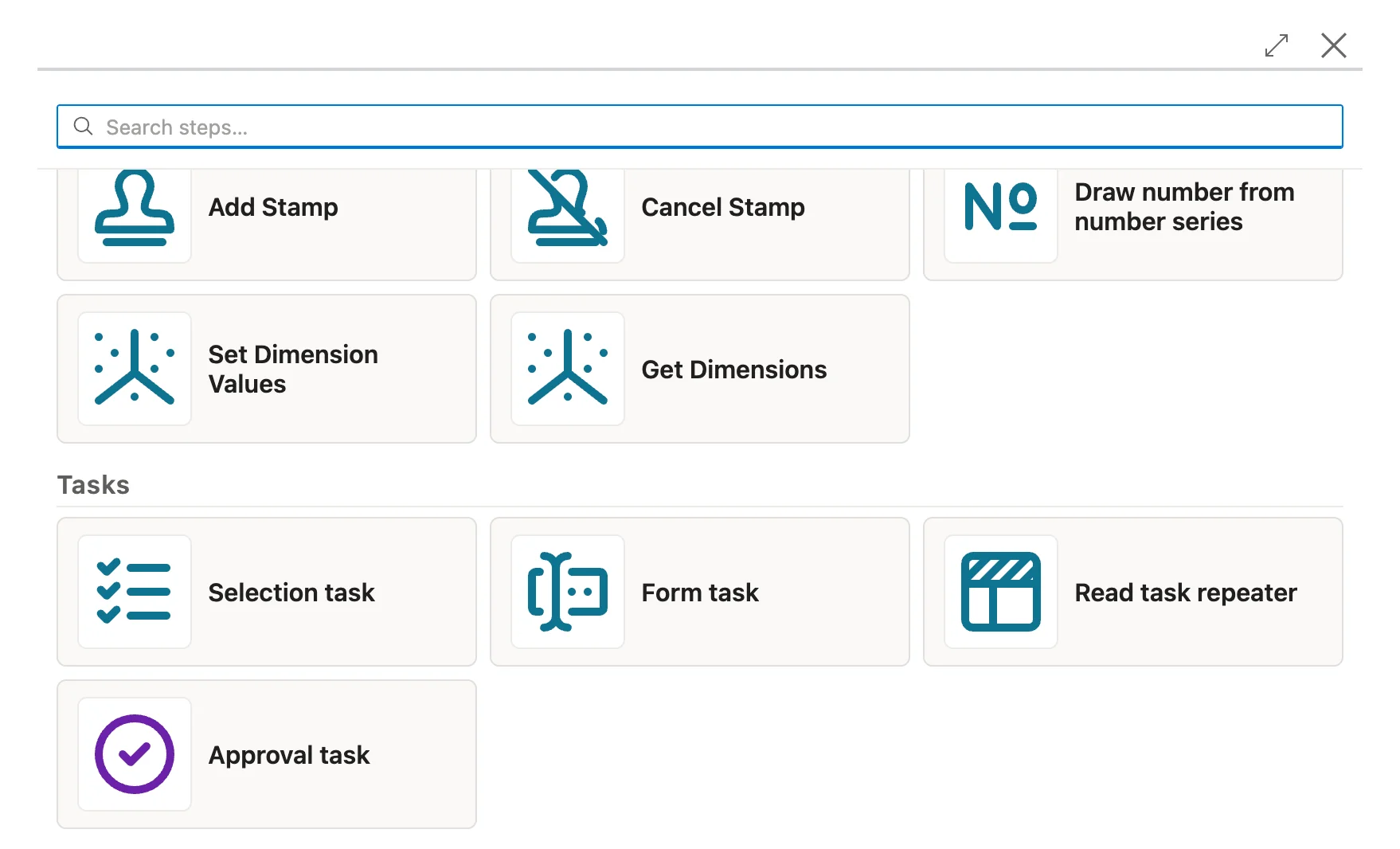
Some steps need a person: an approval, a choice, a few details no system knows. With AutoFlow Tasks the flow hands those steps to the right person and picks up again on its own afterward.
A flow creates the order, checks the vendor and fills in the fields. Then comes the point where a person has to look at it. Is the amount right? Which vendor should it be? What is missing from the order?
At that point somebody usually writes an email, waits for a reply and kicks off the rest by hand. Who decided what, and when, ends up in a mailbox. Business Central never hears about it.
A step in the flow creates a task for a person or a group. It appears in their task inbox in Business Central, with instructions, attachments and everything the decision needs. The flow pauses meanwhile.
Once the task is done, the flow continues with the result. It takes the approve or reject path, the selected rows or the values from the form. The task history records who decided, when, and with which comment.
A step in the flow creates the task and assigns it to a person or a task group.
Whoever is responsible gets an email and finds the task under My Tasks. Overdue tasks are highlighted.
The task card holds the instructions, attachments and preview. Approve, select or fill in the form, and the task is done.
The flow notices the task is done and carries on. If you started the flow yourself, you complete your own task right in the progress dialog.
Approve or reject, and the flow follows the matching path. The card shows every approver and what they have decided so far. Included in every paid AutoFlow license.
Pick one or more rows from a list, with a search box. The vendor for a reorder, say, or the lines that belong on the credit memo.
Fill in fields and tables, with the document or an HTML preview alongside. The table rows pass on to the rest of the flow. That is how a colleague captures the details no system knows, without anybody developing a page in Business Central for it.
A task goes to a group such as FINANCE instead of one person. The others can see who has taken it over, and Release hands it back to the group.
While you are out of office, your delegate completes the tasks assigned directly to you. A flow can switch out of office on and off too.
The assignee, their delegate or an administrator passes a task on to someone else.
Who decided, when, with which comment and on whose behalf. Cancelled tasks too, with the reason.
An email for a new task, one before the due date and a digest of everything overdue. Everyone picks which ones they get.
No. Approvals come with every paid AutoFlow license, and any user can approve. A Tasks seat is for whoever completes selection or form tasks.
Each person counts once, across every environment and company in your organization. You buy the seats as one pool in the AutoFlow portal and activate users in AutoFlow Setup.
No. Sandboxes and on-premises test licenses need no seats.
Yes. An on-premises database draws its seats online from the pool or carries a fixed number in its license file. On-premises comes with annual payment.
Then your task opens straight in the progress dialog, and the flow carries on at once. A selection task you complete there and then needs no seat.
In the flow's execution view. The open task is listed there, with a link to it.
You pay per person who completes selection or form tasks. Approvals come with every paid AutoFlow license.
2 months free
One seat per person, across every environment and company
billed monthly
equals € 4.17 / month
Get started Get startedTasks runs on AutoFlow and needs a paid AutoFlow license. See AutoFlow pricing
All prices in EUR, net plus VAT · 12-month term · Annual payment equals 10 monthly installments (2 months free).